
Two spaces · two purposes
Play inside. Control outside.
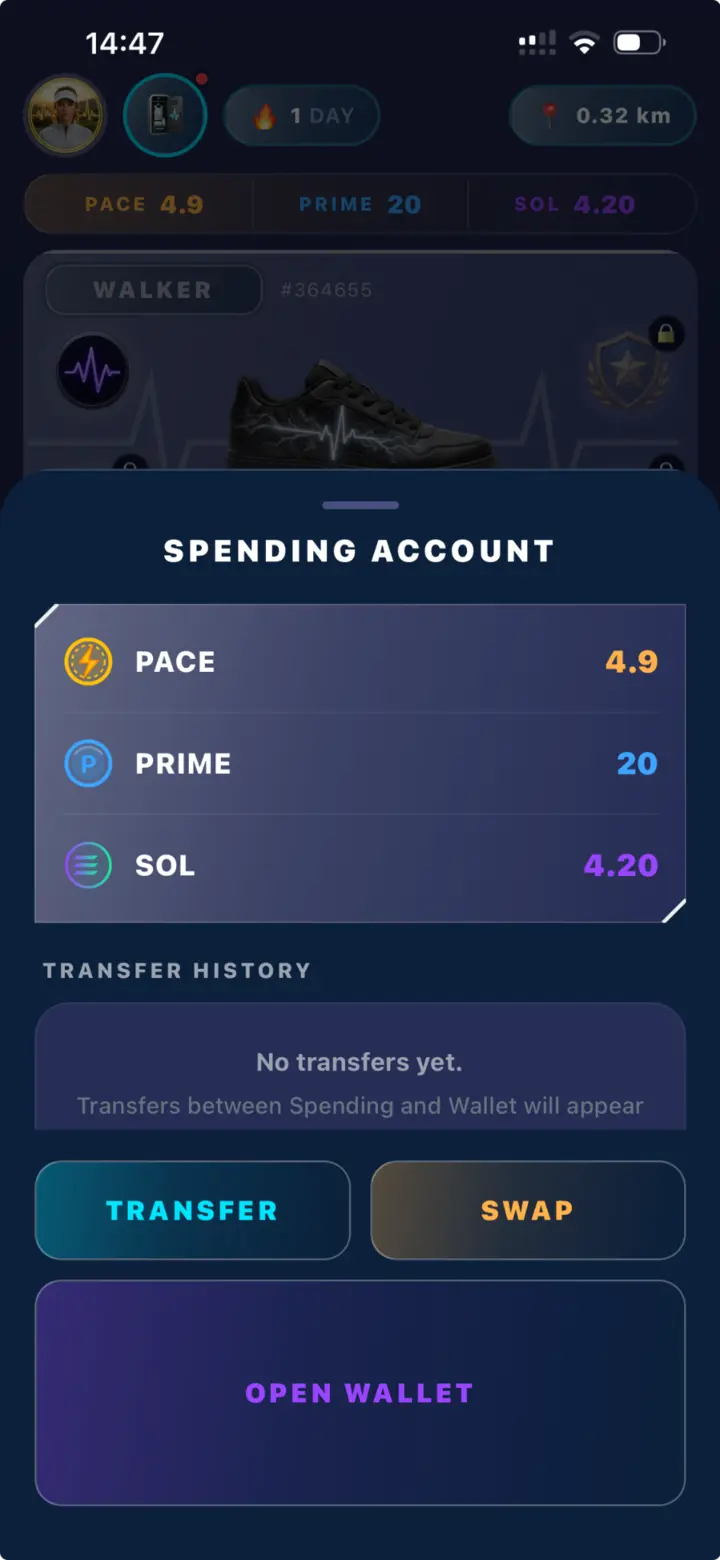
PULSE separates the game environment from the player’s personal wallet. The Spending Account powers every in-game action. The PULSE Wallet gives the player control over transferable funds.
The two are connected, but they are not the same account. Players decide when SOL or PACE moves between them.
Spending Account
The operational account used by PULSE systems. It holds the player’s game balances and complete collection.
PULSE Wallet
The non-custodial Solana wallet used to receive, hold, swap or transfer supported funds outside the game.
The engine of the game
Everything playable stays in Spending
The Spending Account is where movement rewards arrive and where game actions are paid. PACE, PRIME and SOL may appear together here because each can support a different part of the experience.
Game assets remain inside PULSE. Shoes, Pods, Items and Shoe Boxes may be traded through the Player Marketplace, but cannot be transferred to an external wallet.
Created automatically · controlled personally
A wallet without an onboarding wall
PULSE creates the player’s Solana wallet automatically through Privy. No existing crypto wallet is required to begin playing.
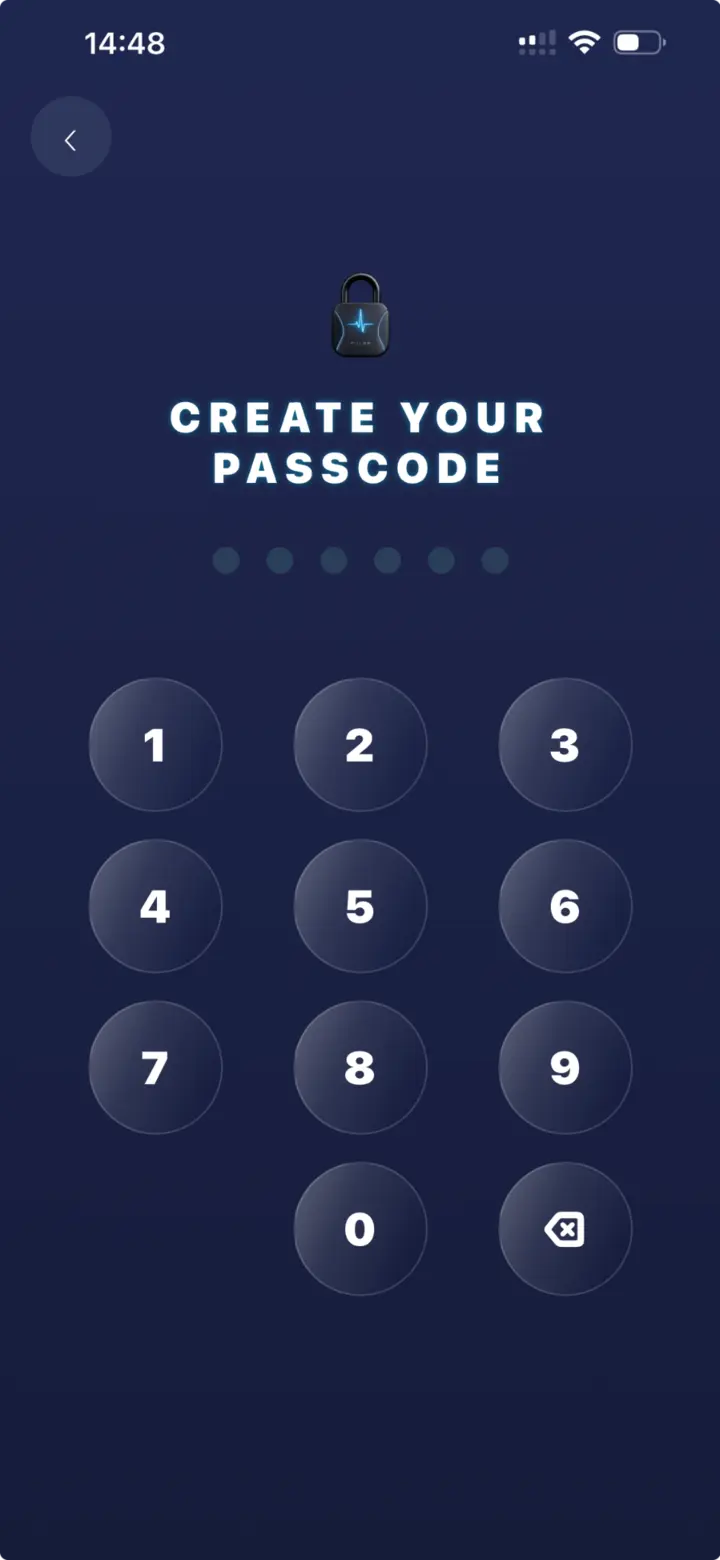
The player protects access with a personal passcode and can retrieve the wallet’s recovery information from the profile. PULSE never has access to the seed phrase and cannot recover it for the player.
Moving value in either direction
The player opens the bridge
Add supported funds to the personal wallet.
Move SOL or PACE from Wallet to Spending.
Purchase, trade or progress inside PULSE.
Move SOL or PACE from Spending to Wallet.
Exchange supported assets from the wallet interface.
Keep the funds or transfer them externally.
Transferable and non-transferable
Only funds cross the boundary
SOL and PACE may move between Spending and the player’s wallet. PRIME and all game assets remain within the PULSE environment.
| Asset | Spending | PULSE Wallet | External transfer |
|---|---|---|---|
| SOL | Yes | Yes | Yes |
| PACE | Yes | Yes | Yes |
| PRIME | Yes | No | No |
| Game assets | Yes | No | No |
Swap from the wallet
PACE follows its live market price
Once PACE reaches the personal wallet, it can be swapped through the connected wallet interface. There is no permanent conversion rate set by PULSE: the quote follows available market conditions.
The player sees the amount received and any applicable network or swap costs before confirming. PRIME has no market pair and cannot be swapped.
Personal control means personal responsibility
Protect access before moving funds
PULSE can simplify access, but it cannot replace a lost seed phrase or reverse an external transfer confirmed to the wrong address.
Never send it to support, a moderator or another player.
External transfers are sent to the address confirmed by the player.
Review the received amount and costs before every swap.
Open the wallet and Spending only through the official PULSE application.
Simple by default · open by choice
Play without complexity.
Move value when you decide.
Players can remain entirely inside the PULSE experience for everyday play. When they choose to move SOL or PACE, the personal wallet becomes the bridge to swaps, holdings and external transfers.